
Question

Tiny Inline Embed

  • September 11, 2024
  • 2 replies
  • 249 views

20minTT

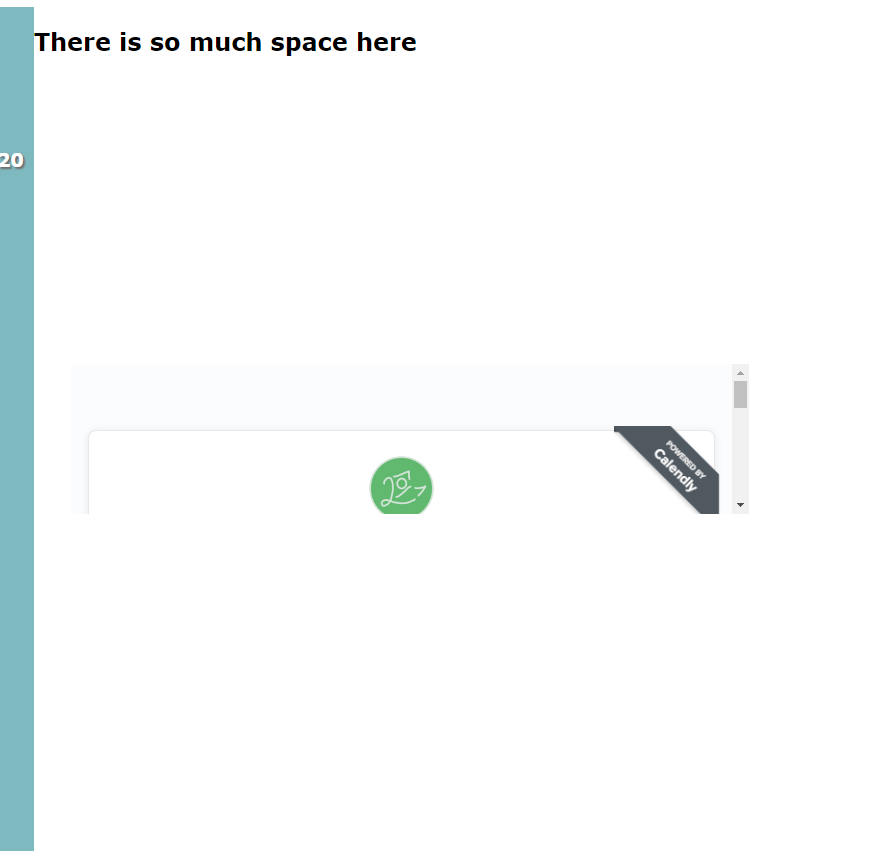
Hi all! I’m building my site from scratch ( Good old HTML and CSS ) but I can’t seem to get it to work. The height is no more that 100 px or so with a scroll bar. I could hard code a solution, but I want to understand what’s going so I can create a more agile solution. Thank you!
 

This topic has been closed for replies.

2 replies

tcampb
Employee
  • Employee
  • September 12, 2024

@20minTT - you can add the data-resize attribute to your embed code to dynamically resize the iframe.
 

<div class="calendly-inline-widget"
data-url="http://calendly.com/YOUR-LINK"
data-resize="true"
style="min-width:320px;height:700px;">
</div>

 https://help.calendly.com/hc/en-us/articles/4409838727703-How-to-embed-and-customize-Calendly-on-your-website#h_01J7GH7VA8FPZDJ9TDVZPGH1JS


20minTT
  • Author
  • Community Member
  • September 17, 2024

Thank you! This fixed the height of the widget, now it’s time to figure out why it’s so low . . . Time to debug on my end. Thank you for your help!