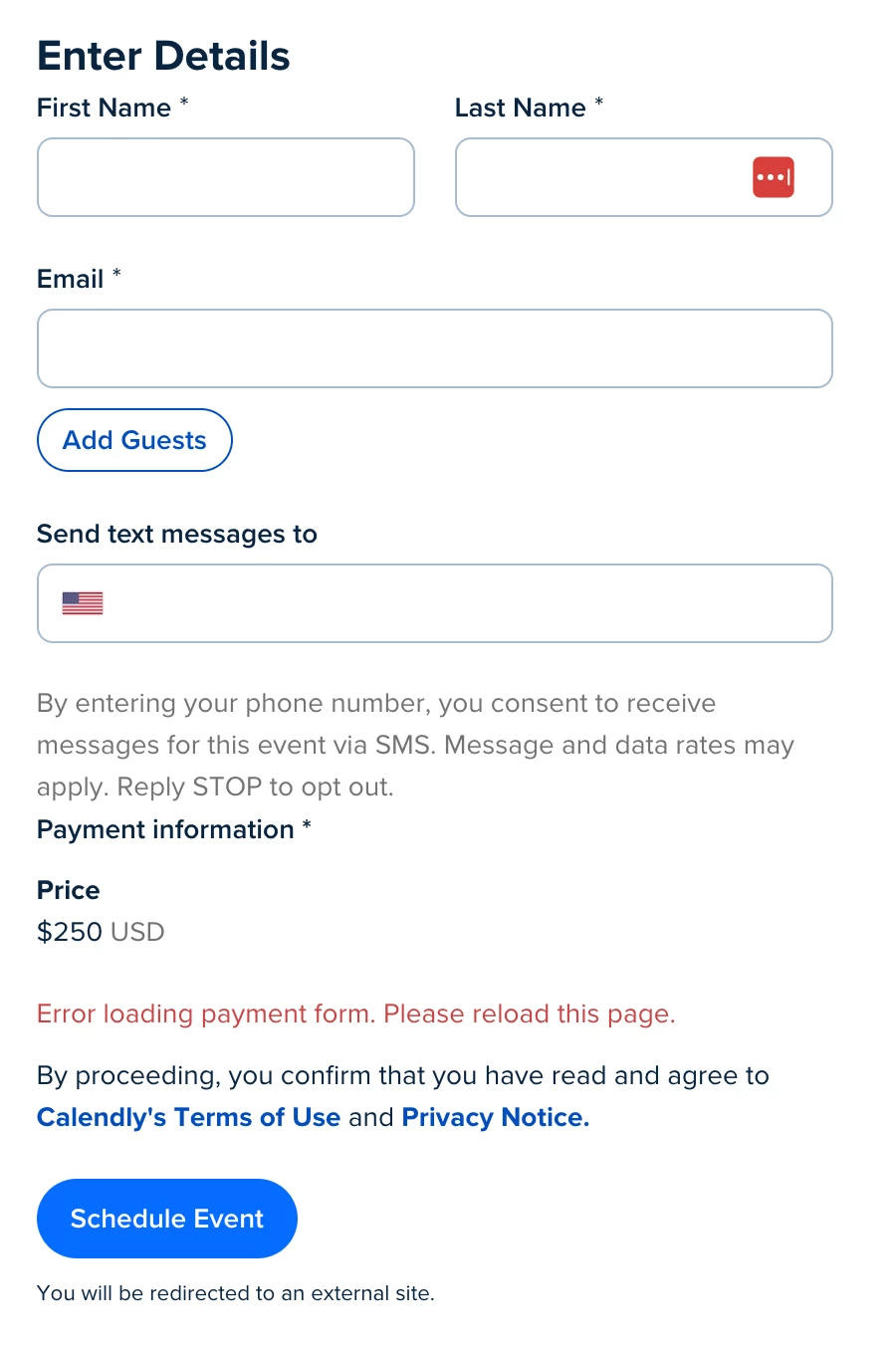


Calendly Booking Page Payment Section Breaking with error "Error loading payment form. Please reload this page."

  • January 16, 2026
  • 31 replies
  • 325 views

Show first post

31 replies

Westin
Employee
  • Employee
  • January 18, 2026

Hey everyone, I’m Westin one of the Engineering Managers here at Calendly looking into this issue.

We just identified and resolved this issue a few minutes ago so your payment integrations should be working as expected. If this is not the case, please let me know. I will be monitoring this thread.
 

cc ​@Hazel082 ​@jerschneid ​@ErinMalone ​@David06208 ​@Joshua46754 ​@Alonzee67170 ​@Tansel25715 ​@ADC46156 ​@Cynthia60336 ​@Family06773 


  • New Community Member
  • January 18, 2026

Hi ​@jillian Can you please let us know. this is my lost too…

@Westin Can you insure that that won’t happen again? 


Seriously looking into google workspace...


  • New Community Member
  • January 18, 2026

@Westin Thanks for the update. How does Calendly plan to recover the revenue it cost my business today?


Westin
Employee
  • Employee
  • January 18, 2026

Hey ​@Fam Phot

You’re absolutely right to ask that and I’m really sorry for the disruption this caused to your businesses. I can’t honestly promise that something like this will never happen again, but I can promise that we’re treating it as a serious incident and using it to improve how we operate.

Specifically, we’re tightening our monitoring and alerting around payments so that if something like this happens again we catch it quickly, fix it quickly, and keep you better informed in real time.

In the meantime, if you’re still seeing any errors on your booking pages please reply here with a link to an affected page (or reach out to Support with that link) and I’ll make sure it gets looked at quickly.


Westin
Employee
  • Employee
  • January 18, 2026

Hey ​@Hazel082, I’m really sorry for the revenue impact this caused your business. Based on your previous comments, I realize the impact for you is significant.

To be transparent, I’m on the engineering team, so I don’t personally make decisions about credits or compensation. That belongs to our Support and Billing teams. The best thing I can recommend is reaching out to Support through the usual Help Center/support channels so they can review your situation in detail.

If you are comfortable sharing your support ticket number with me, I will add a note and make sure your case is seen in the context of this incident.


  • New Community Member
  • January 18, 2026

Hello, I opened a support ticket yesterday (request #3534257). I lost several thousand euros due to this incident. Could you please expedite the resolution of this Stripe API issue? Thank you.