
How am I able to share my Calendly link? Do I just send over the link?

Solved
How Can I Share My Calendly Link:
Best answer by TeeRoad
There are a plethora of ways to share your calendly link!
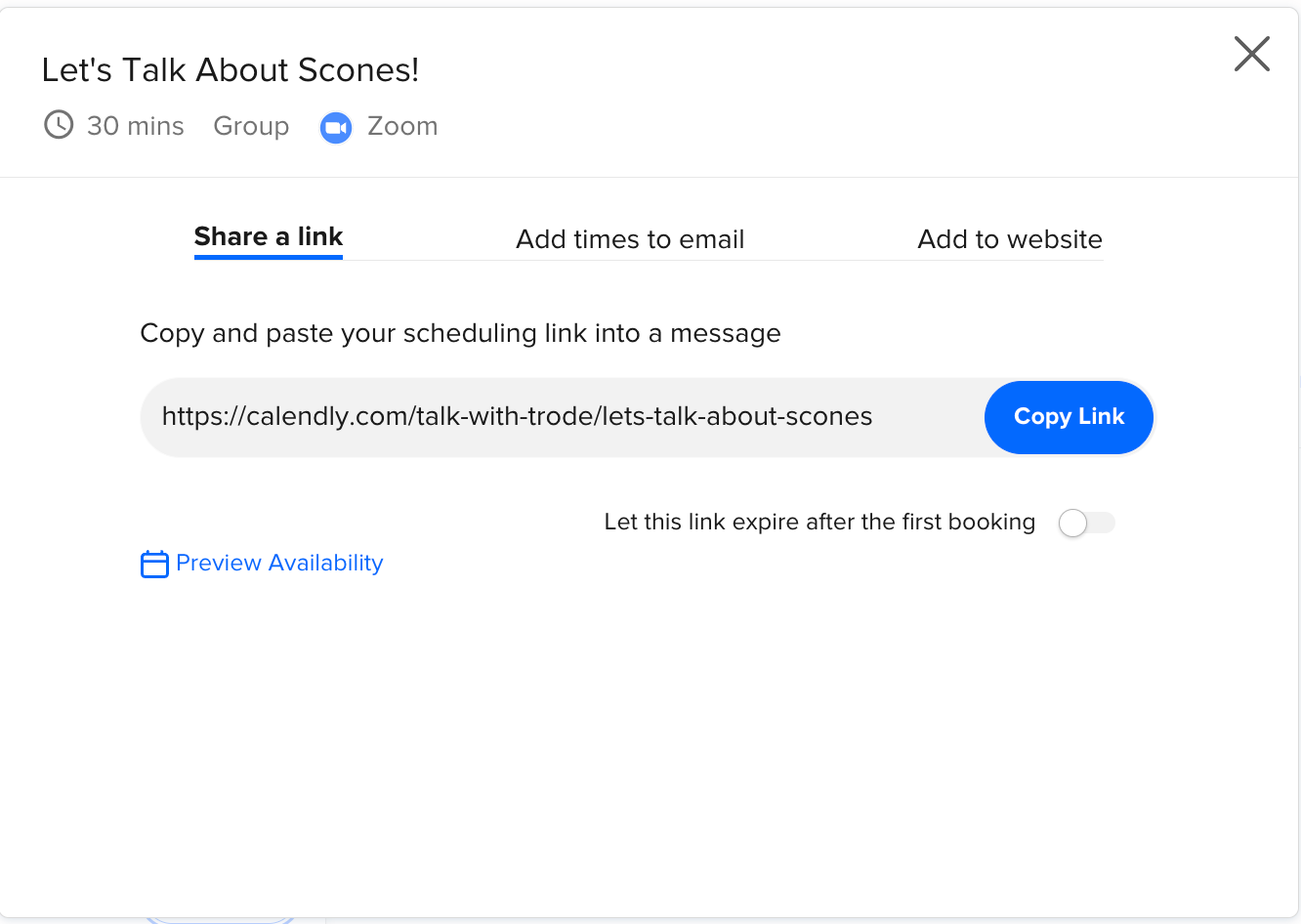
When you click on “share’ on your event, you can:
- Share the link itself
- Add times to an email
- Add to your website
Here is what the screen looks like after you click on “Share’’
This topic has been closed for replies.



Sign up
Already have an account? Login
Not a Calendly user yet? Head on over to Calendly.com to get started before logging into the community.
Employee Login Customer LoginLogin to the community
Not a Calendly user yet? Head on over to Calendly.com to get started before logging into the community.
Employee Login Customer LoginEnter your E-mail address. We'll send you an e-mail with instructions to reset your password.