

How Do I...?

  • December 24, 2025
  • 1 reply
  • 7 views


1 reply

jillian
Community Manager
  • Community Manager
  • December 24, 2025

Hello ​@Mona37061!

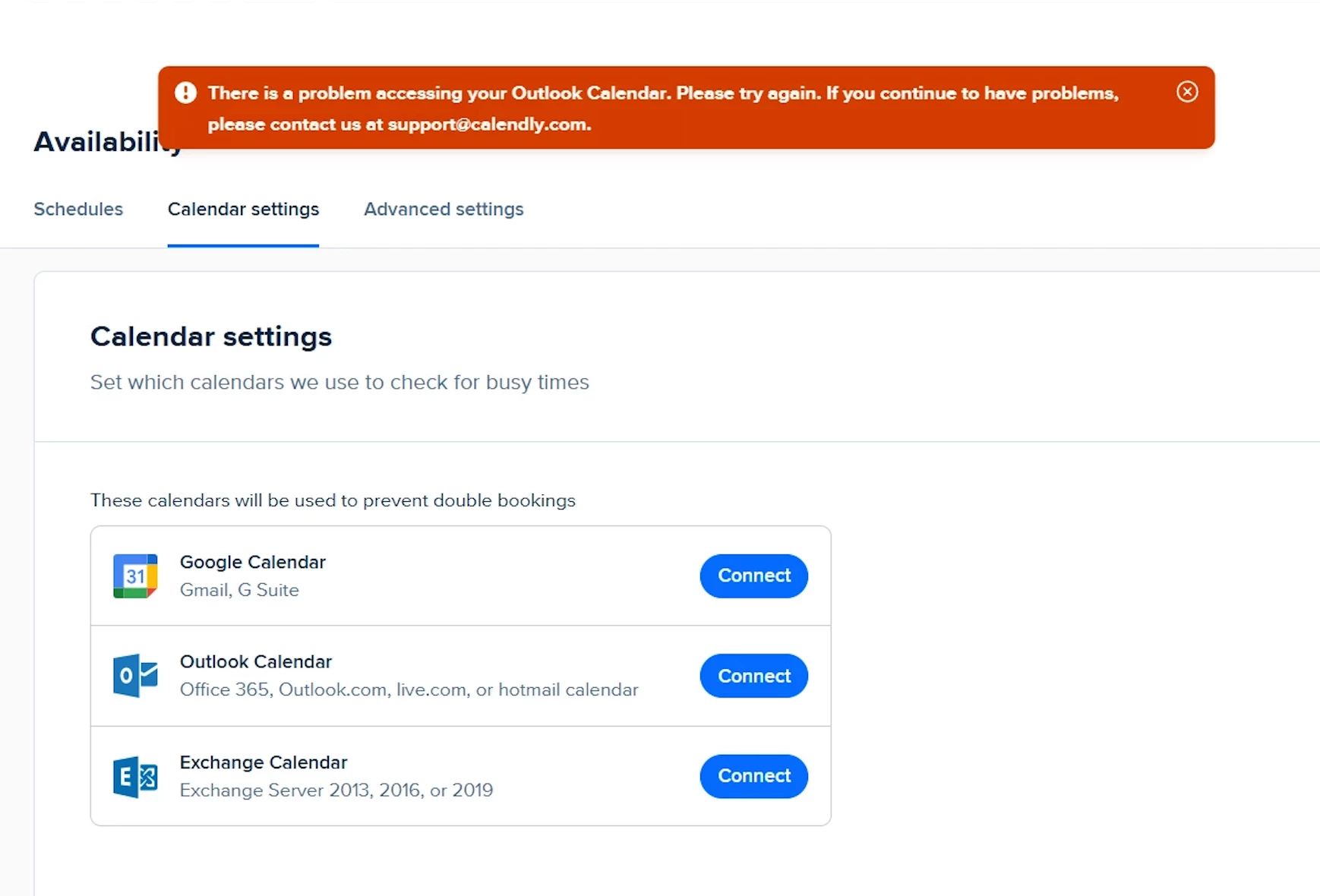
When you see the message: “There is a problem accessing your Outlook Calendar. Please try again. If you continue to have problems, please contact us at support@calendly.com” it means Calendly tried to connect to your Microsoft Outlook / Office 365 calendar, but Microsoft did not allow us to access your calendar or mailbox successfully.

This can happen for a few common reasons:

  • Your Outlook/Office 365 mailbox isn’t fully set up yet, is inactive, or is hosted in a way Microsoft’s newer APIs (which Calendly uses) can’t reach - for example, if the mailbox is on-premise or not enabled for the Microsoft 365 cloud services we connect to.

  • Your Microsoft 365 / Outlook admin has security or permission settings that block third‑party apps like Calendly from accessing your calendar, even after you sign in and grant consent.

  • The account type or connection method doesn’t match how your organization actually hosts your calendar (for example, trying to connect as “Outlook Calendar” when your mailbox really needs to be connected as Exchange, or vice versa).

In short: the error is not about your Calendly account itself, but about Microsoft not allowing Calendly to reach your specific Outlook calendar/mailbox with the necessary access. Your IT or Microsoft admin may need to adjust your mailbox setup or permissions so Calendly can connect successfully.