Question

My Google calendars are not syncing at all

  • December 9, 2025
  • 3 replies
  • 43 views

Hi team

I’ve followed the steps to connect both my Google calendars to Calendly (and, yes, I’ve disconnected and reconnected them). It says in the Availability section that it’s ready (see below). However, my meetings sections shows a blank, even though there’s multiple meetings in both calendars already.

Can you please support?

Thanks
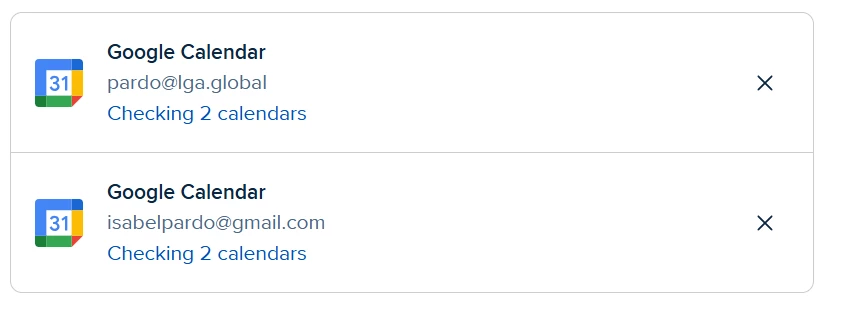


3 replies

David
Community Manager
  • Community Manager
  • December 9, 2025

Hi ​@Isabel31016 - Thanks for reaching out.

One way you can check this is by using the troubleshooting tool on your booking page to see if Calendly is spotting any conflicts: 


Keep in mind, the feature that allows you to see your Google Events on your meetings page is still being rolled out to customers. So if you don’t see it now, you should see it soon!

Let me know if you have any questions!


  • New Community Member
  • December 10, 2025

I am having the same issue.. after several attempts and restarting each calendar each time, my google calendar is not syncing to my Calendly. I don’t have the troubleshooting option on my booking page. I also don’t have the chatbot option as described. 

Please advise. 

Thank you,

Misti  


David
Community Manager
  • Community Manager
  • December 10, 2025

Hi ​@Misti47215 - When you say Restarting Each Calendar are you disconnecting the calendars individually? Or something different? If not, I would recommend removing each calendar as a connection, then connecting it again to test it.

I’d also make sure your events on your calendar are marked as Busy, if they are marked as free, Calendly will not pick them up as conflicts.

Let me know! 

(In a pinch, you can also email support@calendly.com to get in touch with our support team)