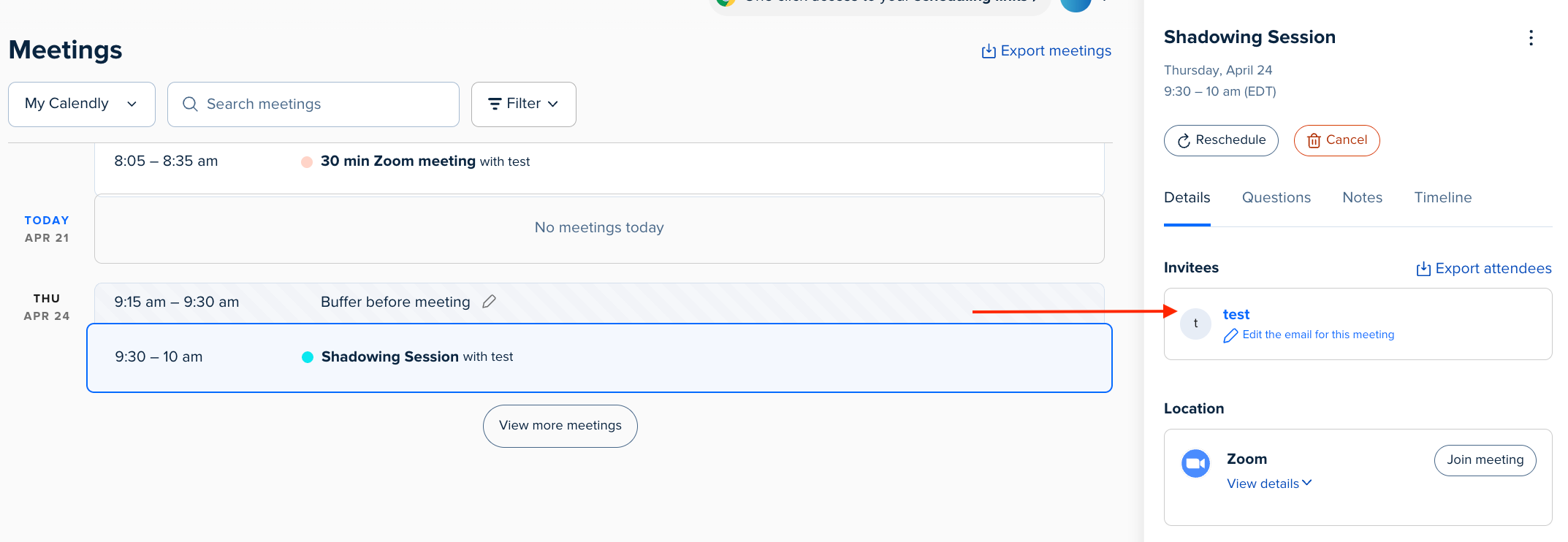
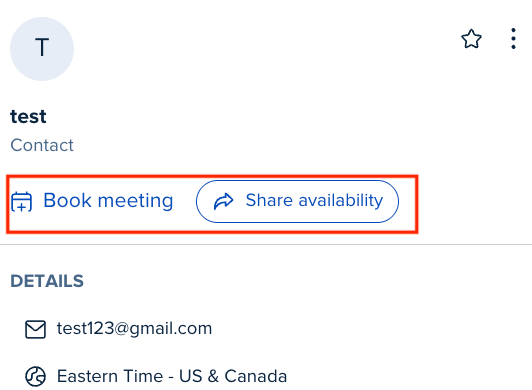
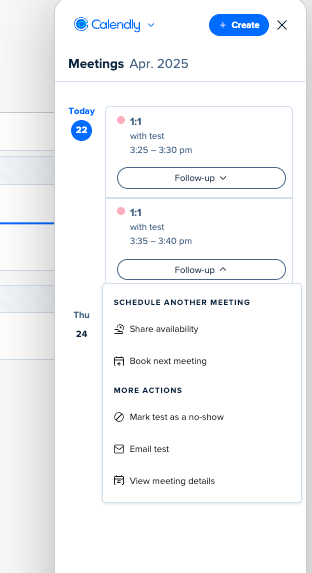
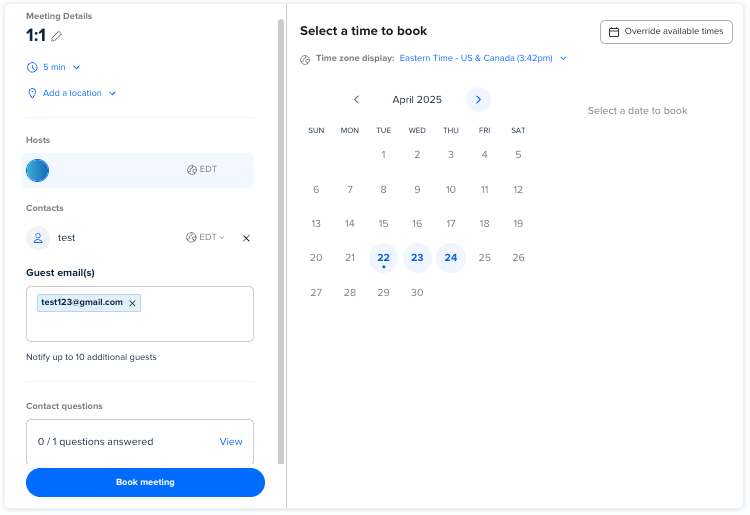
A recent upgrade to the online version did not come with release notes for the new “Book Follow-up Meeting” tab vs. the former “Schedule Attendee Again” nor were instructions provide on how to navigate the new tab. Several efficiencies of the former process used to book additional meetings/sessions were eliminated requiring a lengthy live chat session with an agent.
Here is what no longer occurs or is shown that makes it very challenging to use the new tab. Please help if I am not seeing these somewhere in the new tab.
- The Attendee time zone used to book the meeting is no longer shown.
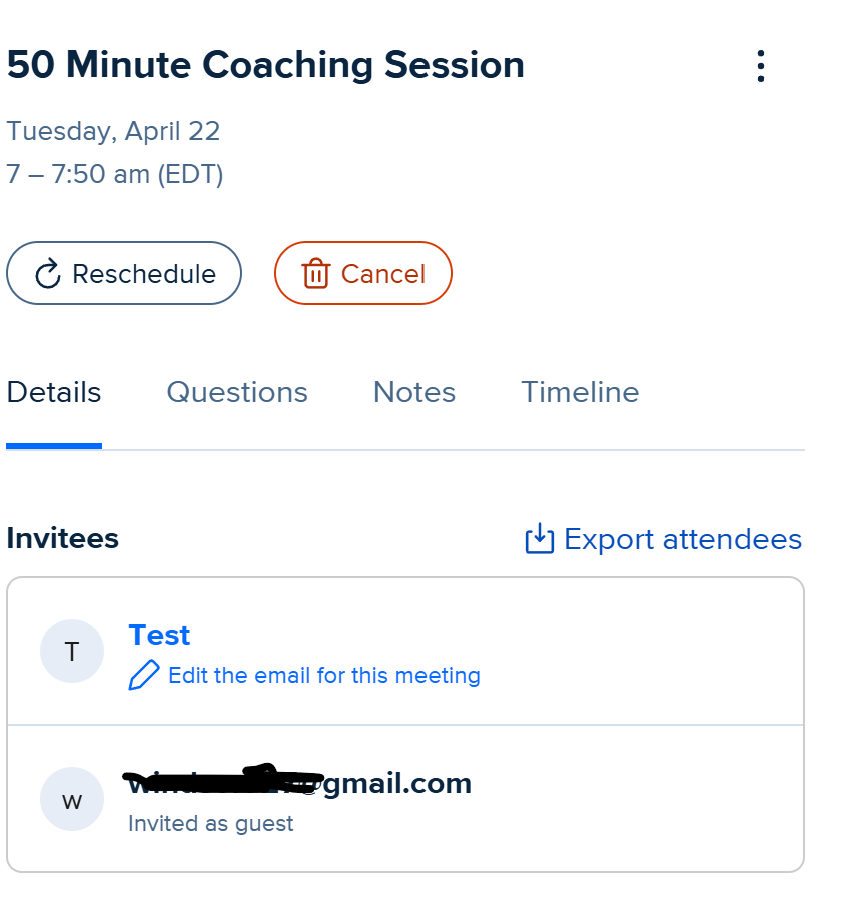
- The email addresses for Guests are not “brought forward” to the new event. They show in the former event but are not copyable to insert in the new event so the only option is to write them down and renter. A waste of time and increases errors in typing them wrong.
- The cell number used for text notifications is not brought forward and had to have a chat agent show me where it was.