Question

Routing form: first name and last name labels and "required" asterisk not appearing

  • March 5, 2025
  • 3 replies
  • 85 views

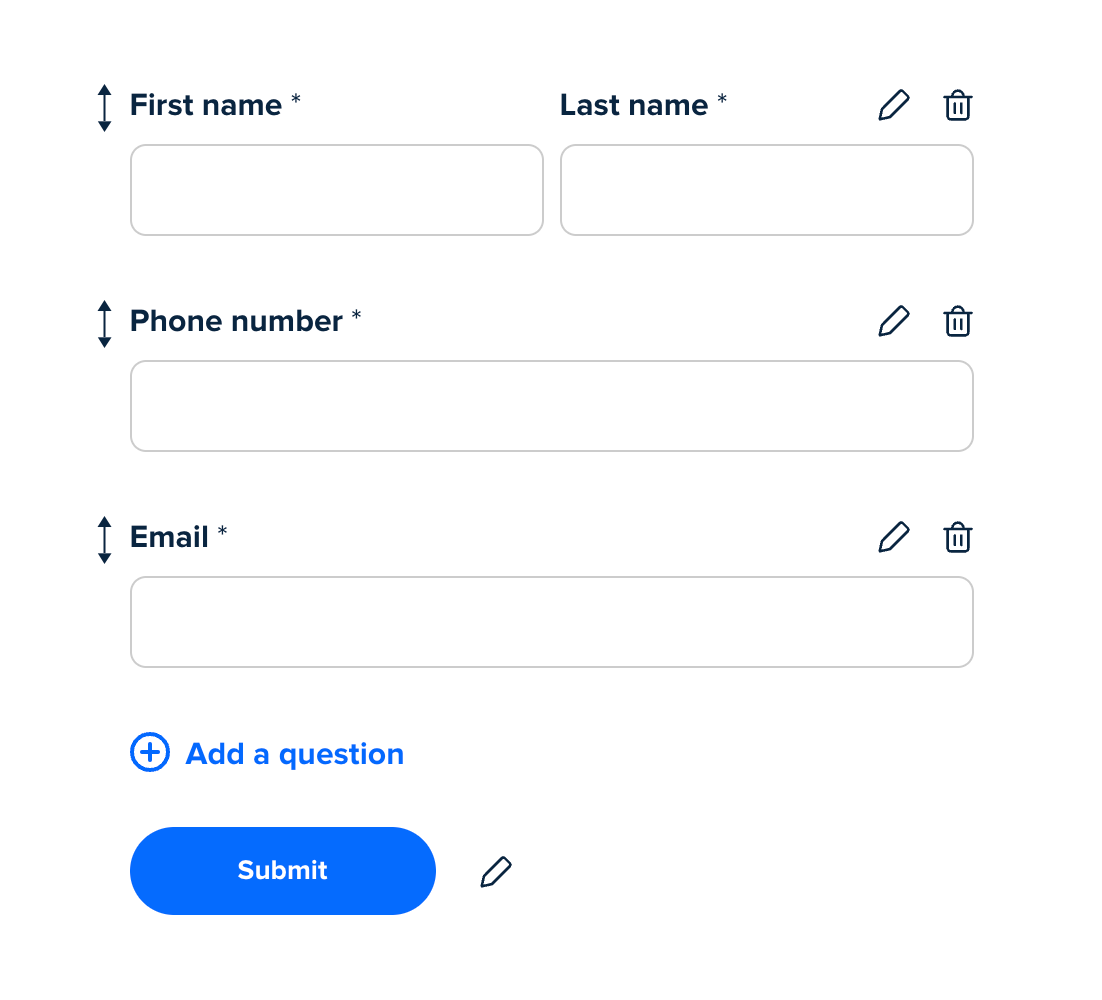
We are setting up a routing form with the input style set to first + last names, and these fields are set to required:
 

However, when the form is embedded, the field label just says “Name” and doesn’t have the required field asterisk, despite being required:
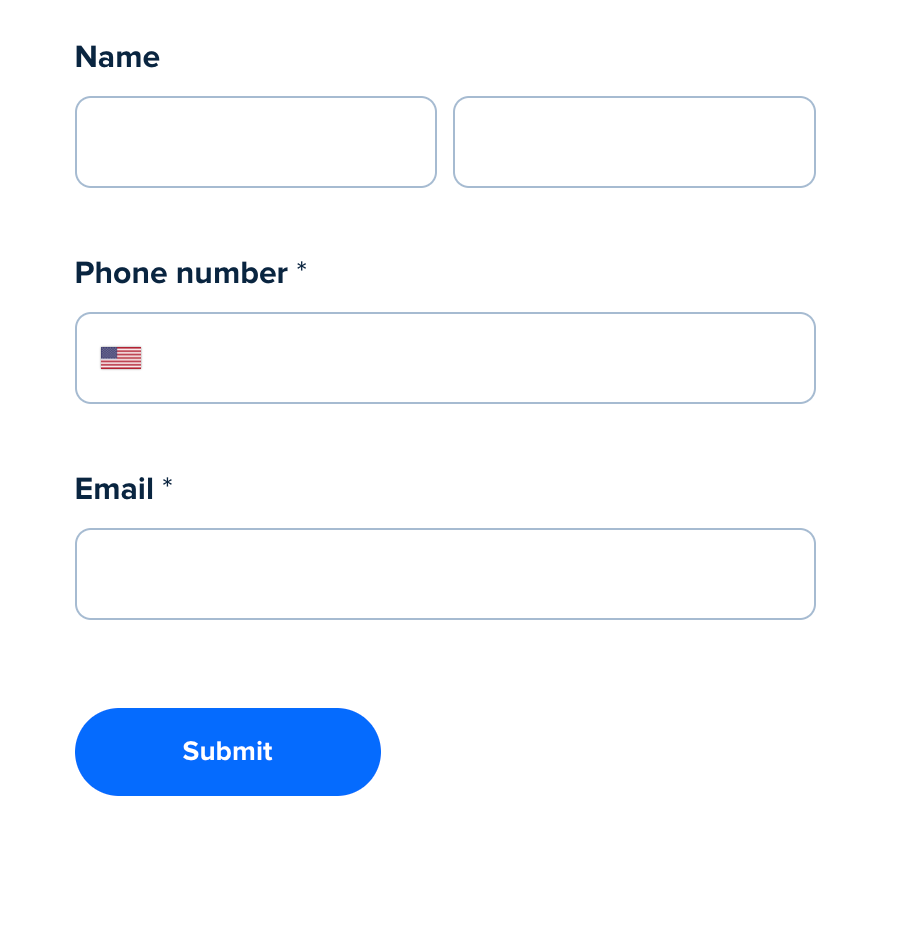
How do we get the form fields to display as intended? The missing asterisk seems like a bug. 

Thanks!

This topic has been closed for replies.

3 replies

David
Community Manager
  • Community Manager
  • March 6, 2025

Hi ​@Touchstone Therapy Center - Thanks for reaching out!

Our Product team has confirmed this unexpected behavior and is currently looking into the issue; however I do not have a timeline as for when this will be resolved. I have this post linked in our tracking system, I’ll update you here as soon as I get any other information.

The routing form should still work as expected - But if you notice any other errors, let me know!


  • New Community Member
  • March 14, 2025

We’re having a similar issue, however the field titles are completely gone. What’s the latest on this fix?


  • New Community Member
  • March 17, 2025

Same exact issue. When will this be fixed? We are running FB ads to this form, and it’s misleading because you don’t know that the first and second fields are first name and last name...