Question

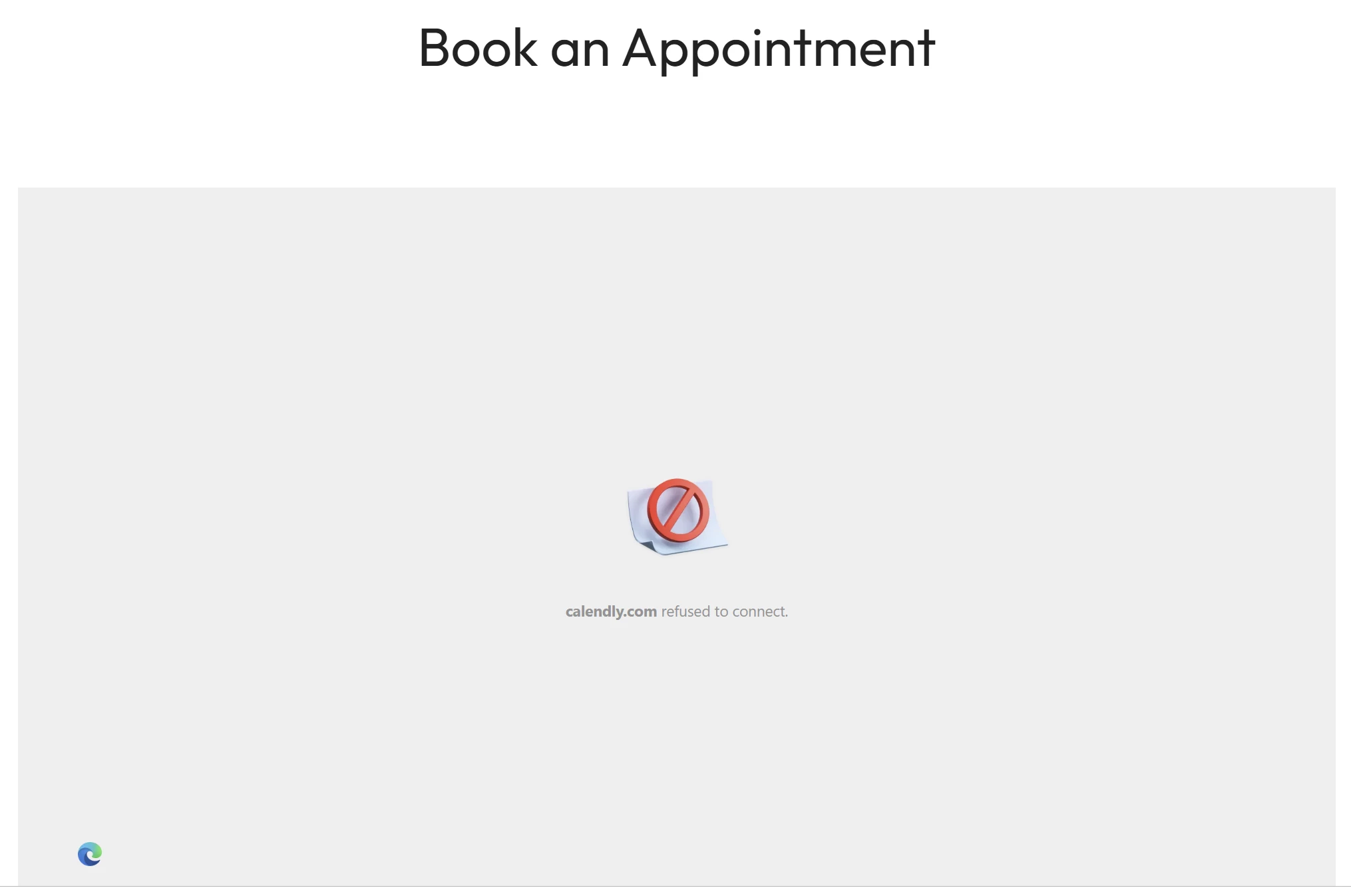
Embedded widget displaying "calendly.com refused to connect".

  • January 15, 2026
  • 9 replies
  • 96 views

We have embedded Calendly across many of our websites (different domains and platforms) and it seems that the widgets fail to load randomly, displaying this:

After refreshing (sometimes several times) it goes back to normal. Is there an outage?


9 replies

David
Community Manager
  • Community Manager
  • January 15, 2026

Hi ​@Massa28718 - Thanks for reaching out.

Our Product team has confirmed this unexpected behavior and is actively investigating it. We’ve linked your ticket to our internal tracking system and will keep you updated as we learn more.

To assist in our ongoing investigation, can you please send the following information to our Support team? (You can email support@calendly.com or use the chat bubble in your account)

  1. What platform are you using to host your website? (Squarespace, Wordpress, etc.)

  2. Are you using any templates? If so, which one?

  3. What type of device are you on when you receive the issue? Mac or PC/mobile?

  4. What browser are you using when you receive the issue? (Chrome, Safari, Firefox)

  5. Can you send a screenshot of the location where you've added your embed code on your website builder? Please take a full screenshot so that we can see the entire page for context.

Thank you for your assistance!


  • Author
  • Community Member
  • January 15, 2026

Hi there, thanks for the reply.


  1. It seems to be happening on several different hosting platforms: AWS CloudFront , Bigcommerce, Shopify…
  2. Cannot answer this one, I’ll need to speak to the relevant team at my company.
  3. PC & Mobile (Android)
  4. Chrome and Edge
    (removed by moderator)

David
Community Manager
  • Community Manager
  • January 15, 2026

Hi ​@Massa28718 - Thanks for reaching back out!

Once you collect the rest of the information, if you could actually send this information over to our Support Team that would be great! You can reach out to them via email (support@calendly.com) or by using the chat bubble in your account. 

Thank you! 😊


  • Author
  • Community Member
  • January 15, 2026

Thank you, I replied to the ticket now :)


  • New Community Member
  • January 15, 2026

I’m experiencing a similar issue as well and have reached their support. I’m seeing an error loading the i-frame due to X-FRAME-ORIGIN as SAMEORIGIN.

I’m usign react-calendly.


  • New Community Member
  • January 15, 2026

Hey ​@Tomer Agmon -

react-calendly package maintainer here, if you are able to post additional details about the site where Calendly is embedded (https://github.com/tcampb/react-calendly/issues/200) I’d be happy to look into the issue further. 

Alternatively, you can also use Calendly’s new scheduling API to avoid loading the iframe.


  • New Community Member
  • January 15, 2026

Hi all,

same issue on my homepage: https://askora.de/ (scroll to the bottom where the calendly inline widget is embedded).

long-term, the API might be better to avoid iframe compatability issues, but for now I am looking for a simple solution to get this going again.
I am using hostinger as my domain hoster (without any templates, built it from scratch) where I copied the exact code from the Calendly “Add to website” → “inline embed” instructions.

This was working until recently just fine.

Tested on Windows 11 with Firefox and Chrome to fail. On my Samsung phone with Android v16, there are 2 behaviours:
1. the integrated google browser works just fine, interestingly enough.

2. when I switch to chrome browser on my mobile, it fails just like it fails on my desktop.

might be related to the user agent and custom http headers being sent around.


best regards


David
Community Manager
  • Community Manager
  • January 16, 2026

Hi all! Great news! A fix has been released for the embed issue you all were running into. Please let me know if the issue persists on your end.
 

We really appreciate your patience while we worked through this! 🙂


  • New Community Member
  • January 16, 2026

tested on Windows 11 Firefox, Chrome as well as Android 16 Chrome and confirmed to be working. thanks for the quick fix.