Question

Routing Form Embed Highlight Color Of Dropdown List Box

  • August 8, 2025
  • 1 reply
  • 62 views

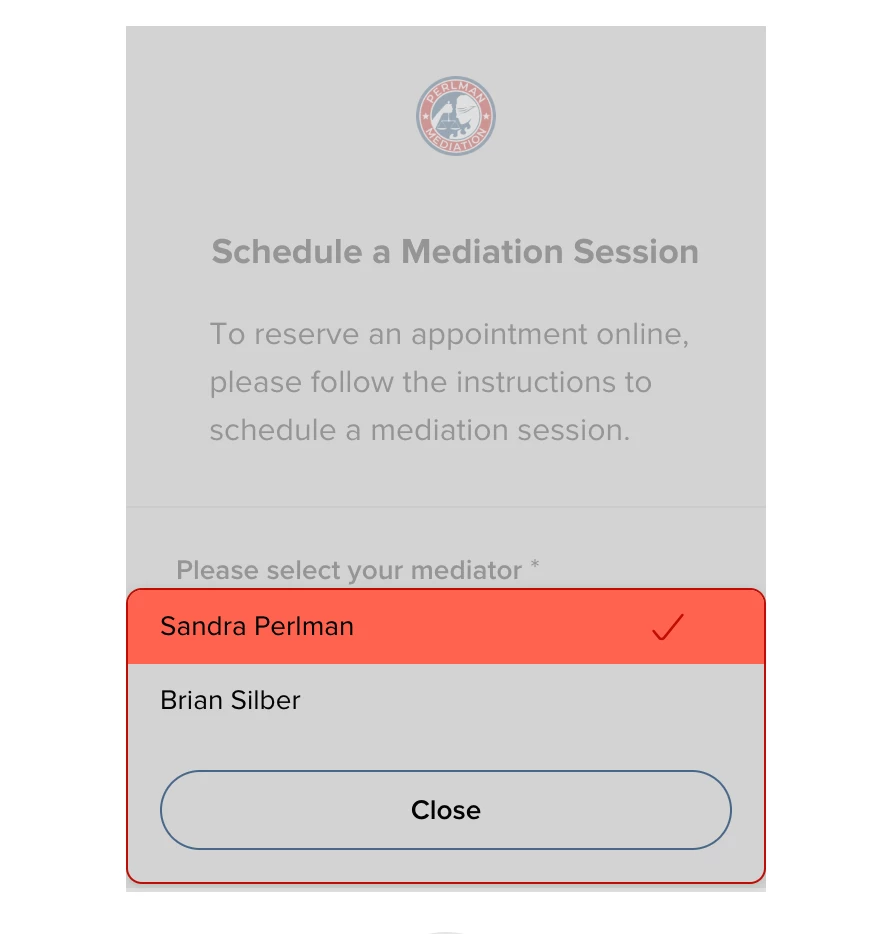
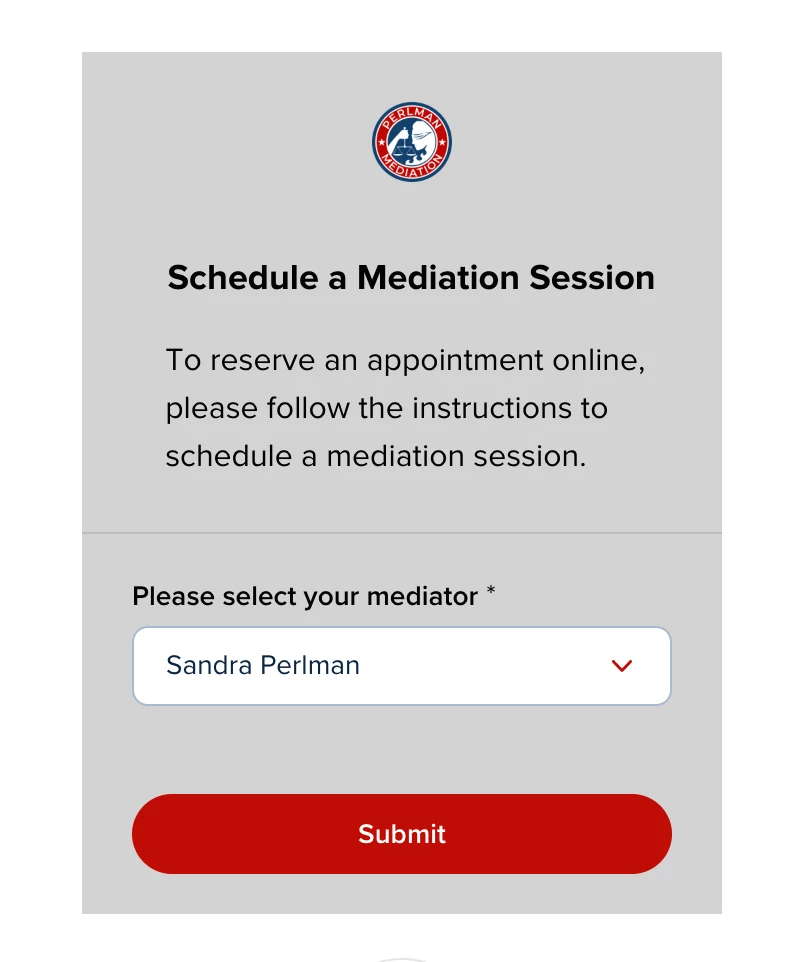
  1. The Primary Color of the routing form is RED (#bf0d05) but the dropdown list box selection color is an orange. Is there a workaround to change this color from orange to a different color? 

<!-- Calendly inline widget begin -->
<div class="calendly-inline-widget" data-url="https://calendly.com/d/cv9z-wmd-tqg?embed_domain=perlmanmediation.com&embed_type=Inline background_color=d3d3d3&text_color=000000&primary_color=bf0d05" data-resize="true" style="min-width:320px;height:500px;"></div>
<script type="text/javascript" src="https://assets.calendly.com/assets/external/widget.js" async></script>
<!-- Calendly inline widget end →


1 reply

Hi there!
 

My name is Taylor, and I'm a Developer Support Specialist with Calendly.

To confirm, at this time the highlight color from the drop down box is not something we can assign a color value to from within the Calendly native embed feature. That being said, I do have a workaround I can recommend to get that orange highlight closer to the desired red!

For context, the share of the highlight box will be dependent on the primary color value and will then lower the shade of that color in order to adhere to accessibility guidelines commonly enforced when publishing webpages. 

This means we could in theory adjust the primary color to #91120D and because the submit button will now be a darker shade of red, this forces the highlight to become darker. 


You can also reference the https://htmlcolorcodes.com/ to generate specific codes for the primary color to test how it impacts the highlight color to get the color as close as possible. 


Hope this information was helpful! If you have any other questions please let me know!