Community Member
June 2, 2025
Question

Error "Your meeting request could not be finalized with this host" When people try to book a meeting

  • June 2, 2025
  • 22 replies
  • 3346 views

Hello,

when people try to book a meeting they see this error:
 

Oops, something went wrong.

Your meeting request could not be finalized with this host. If you feel you've reached this message in error, please reach out to support with below error code.
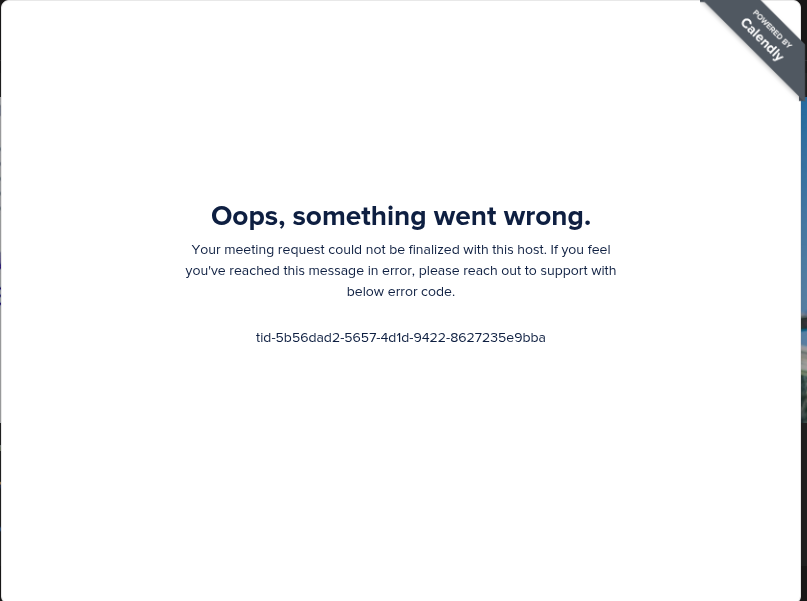


Even when I try to preview the booking page here in Calendly and try to schedule a test event I see the same error.

Has anyone seen similar problem? Any idea?

Will appreciate any help.

This topic has been closed for replies.

22 replies

Community Member
June 2, 2025

Reproduces stably. Everytime attempt to book a meeting results in this error.

David
Community Manager
Community Manager
June 2, 2025

Hi ​@Quote77242 - Thanks for reaching out!

Just to confirm, is this for all your invitees? If you create a new default 30 minute meeting, does the same thing occur, or is only this meeting? Can you reproduce this in different browsers? 

Let me know! I can dig a bit deeper from there.

Community Member
June 2, 2025

@David thanks for suggestion. I will try tomorrow to create a new meeting and check.

New Community Member
June 18, 2025


New Community Member
June 18, 2025

I’m seeing this issue as well the last couple of days. It’s even booking times in the wrong time zone so then I have to reschedule it again either on the Calendly app or website. Whatever works but then the customer gets multiple emails cancelling and rescheduling which looks unprofessional.

David
Community Manager
Community Manager
June 18, 2025

Hi ​@Tom44585 - Seems like there are a few different things going on here.

First, I’d recommend clearing your browsers cache and cookies and see if the issue persist: https://its.uiowa.edu/services/how-clear-cache-and-cookies-your-web-browser

If you continue to get this error, I would send the information over to our support team so they can dig into it further. You can email them directly at support@calendly.com

Let me know if you have any questions.

New Community Member
June 30, 2025

Hi, 

I have the same problem as others above. I tried multiple different email addresses, deleted cache and cookies, and the problem still exist. 

Can someone share it with me what solved your problem, please? 

Thank you. 

New Community Member
July 6, 2025

Hi, I keep facing the same error. I’ve tried just about everything, no solution whatsoever. 

jillian
Community Member
July 7, 2025

Hi ​@Eko12837 and ​@D.O.G.E68812,

Is this issue still occurring? If so, please do contact our support team as David advised above. This isn’t an issue we’re able to replicate so having someone be able to dig into your account and what’s happening will be helpful!

New Community Member
July 11, 2025

I am also receiving this error at booking