Solved
Feature Request - Make managed events private
Love the managed event feature. However, we need to create private booking links for my organization and there doesn’t seem to be a way currently to toggle them as Private Only.

Love the managed event feature. However, we need to create private booking links for my organization and there doesn’t seem to be a way currently to toggle them as Private Only.
Hey there,
To your question: as with all event types, in order to make an event “secret” you will want to go into to event to edit it > click “When can people book this event?” > scroll down and click “Additional rules for your availability” > click to make the event “secret” > click “Save and Close.”
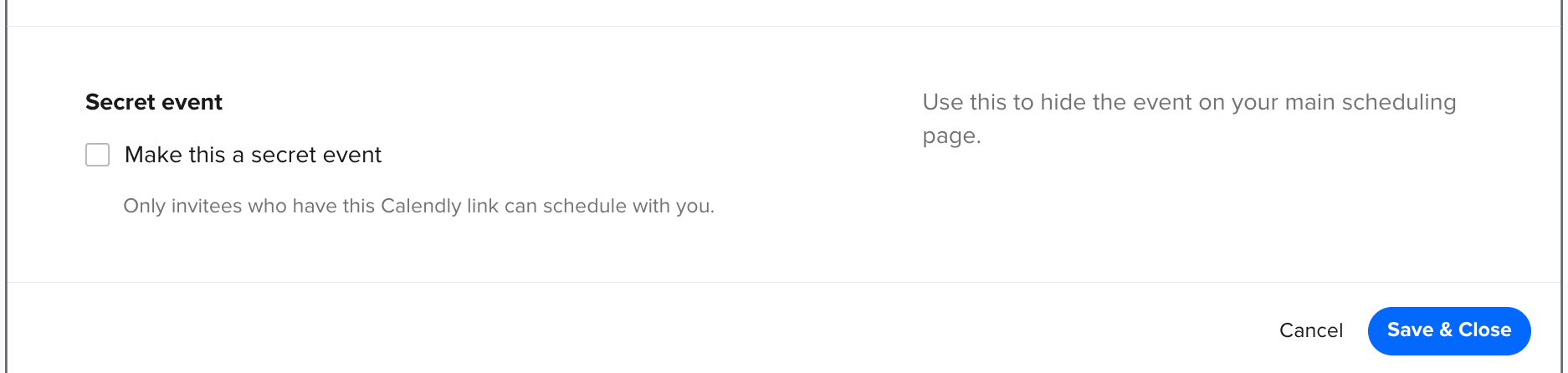
This Help Center article goes over managed events, as well as each section in the event settings in detail, to include the above and how to get there/achieve your goal.
I hope this helps!
Already have an account? Login
No account yet? Create an account
Enter your E-mail address. We'll send you an e-mail with instructions to reset your password.