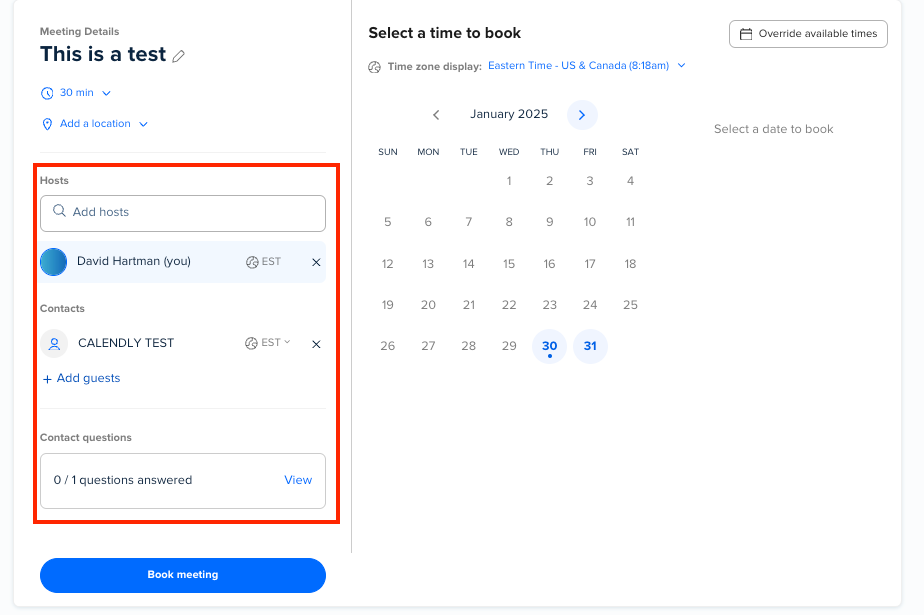
I am trying to setup a Collective event type with multiple hosts included on every meeting yet trying to have only one primary host be the main Availability check and not every single host that’s included. This would be so the other hosts can decide to join or not but still have it on their calendars. In the event type settings under ‘Availability’, I feel like those other hosts calendars should have an option to be ‘X’d out to not look at their availability.

Question
How to make Availability for Collective event types only look at one hosts availability?
This topic has been closed for replies.




Sign up
Already have an account? Login
Not a Calendly user yet? Head on over to Calendly.com to get started before logging into the community.
Employee Login Customer LoginLogin to the community
Not a Calendly user yet? Head on over to Calendly.com to get started before logging into the community.
Employee Login Customer LoginEnter your E-mail address. We'll send you an e-mail with instructions to reset your password.