This topic has been closed for replies.

3 replies

David
Community Manager
Community Manager
August 28, 2025

Hi ​@Neighborhoodwindowting - Thanks for reaching out.

A Couple things you can try here:

  • Try clearing your browsers cache and cookies
  • Try reducing the zoom of your web browser (From 100% to 80% or something similar)
  • Check for any browser updates


Can you give this a try and let me know if the issue continues?

Community Member
August 28, 2025

None of those worked.

David
Community Manager
Community Manager
August 28, 2025

Got it - Thanks for running through that.

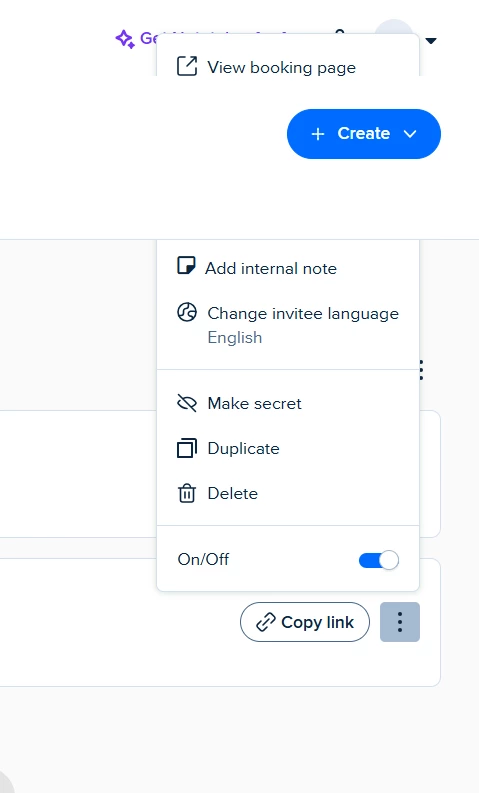
In this case, I’d recommend reaching out to our support team with that screenshot, and the steps you’ve tried. They’ll be able to dig into this some more from here!

You can either email them at support@calendly.com or chat with us directly from your account for quicker assistance. Our support team will help dig into the issue from there!


Let me know if you have any questions.