Community Member
September 13, 2026
Question

No Notetaker Setting

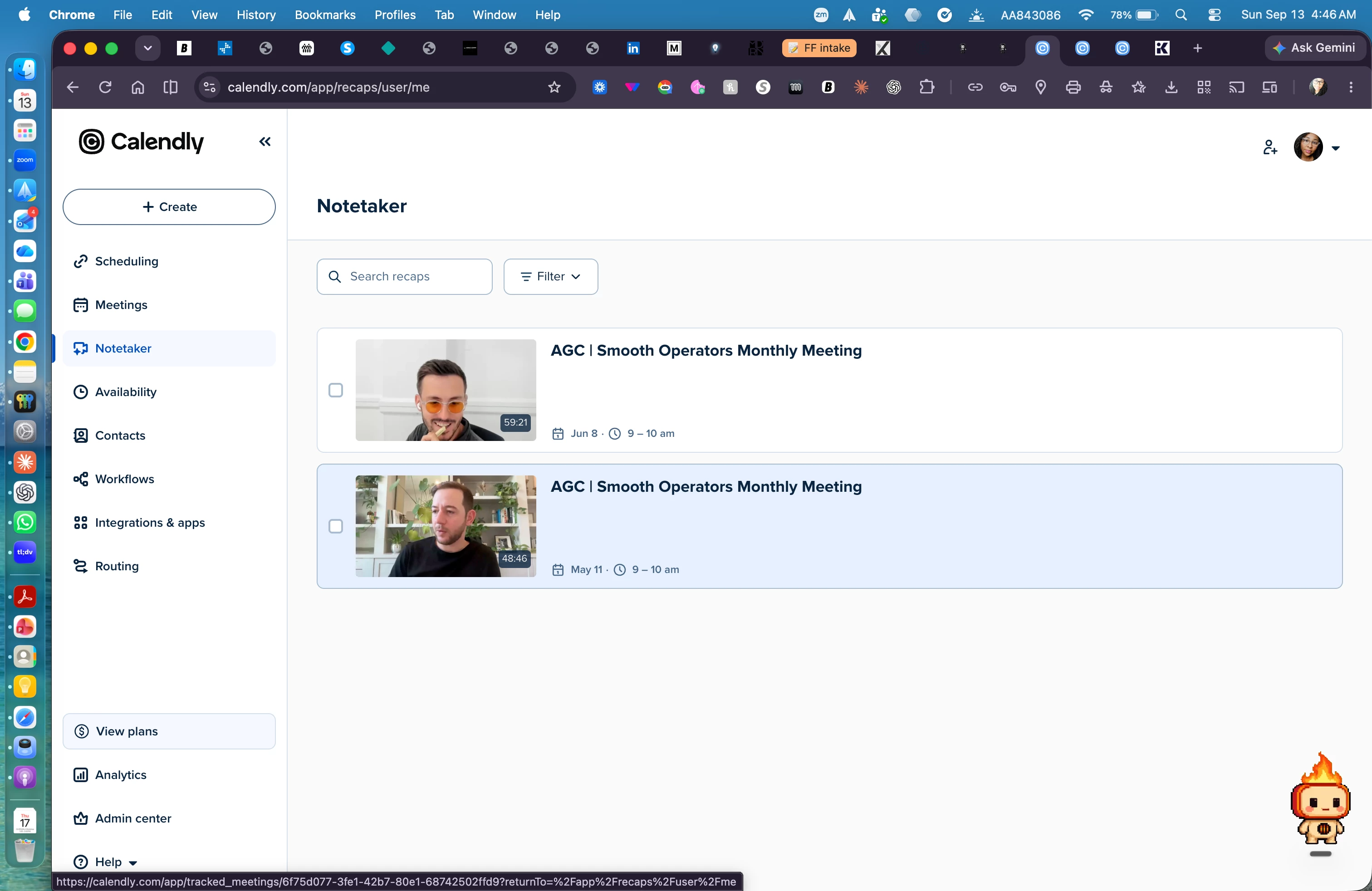
I am trying to change when my notetaker joins meetings and there are no options anywhere. When i go to the notetaker tab it just shows past recordings with no options and all my meetings are just set to have the notetaker on without giving me the option to be able to turn that off. Help please!
 

This topic has been closed for replies.

3 replies

David
Community Manager
Community Manager
September 14, 2026

Hi ​@Ariel81773 - Thanks for reaching out!

You should be able to make changes to the notetaker settings by clicking on your profile picture, then selecting Notetaker Settings.

This should allow you to make changes that you need!

Let me know if this works.

Community Member
September 14, 2026

It doesn’t. That just takes me to the scheduling page.

David
Community Manager
Community Manager
September 14, 2026

Hm, thats interesting.

In this case, I’d reach out to the support team via chat so they can take a look at whats going on. That should be taking you to a place to adjust your settings like this:


Chatting in is much faster, but in a pinch you can always email support@calendly.com, they’ll be able to assist further from there!