



📬 New email capabilities for Contacts are here
Hi everyone! 👋
As Calendly Contacts has grown, we've been thinking about what comes next after you’ve connected with someone.
👏 Your contacts already live in Calendly, and we want to make it easier to communicate with them there, too.
With our latest updates, you can communicate with contacts, follow up after meetings, and keep conversations moving… all without switching between Calendly and your inbox. Bringing meetings, contacts, and conversations together also gives AI the context to help you draft more relevant outreach and follow-ups.
Reach more contacts, faster
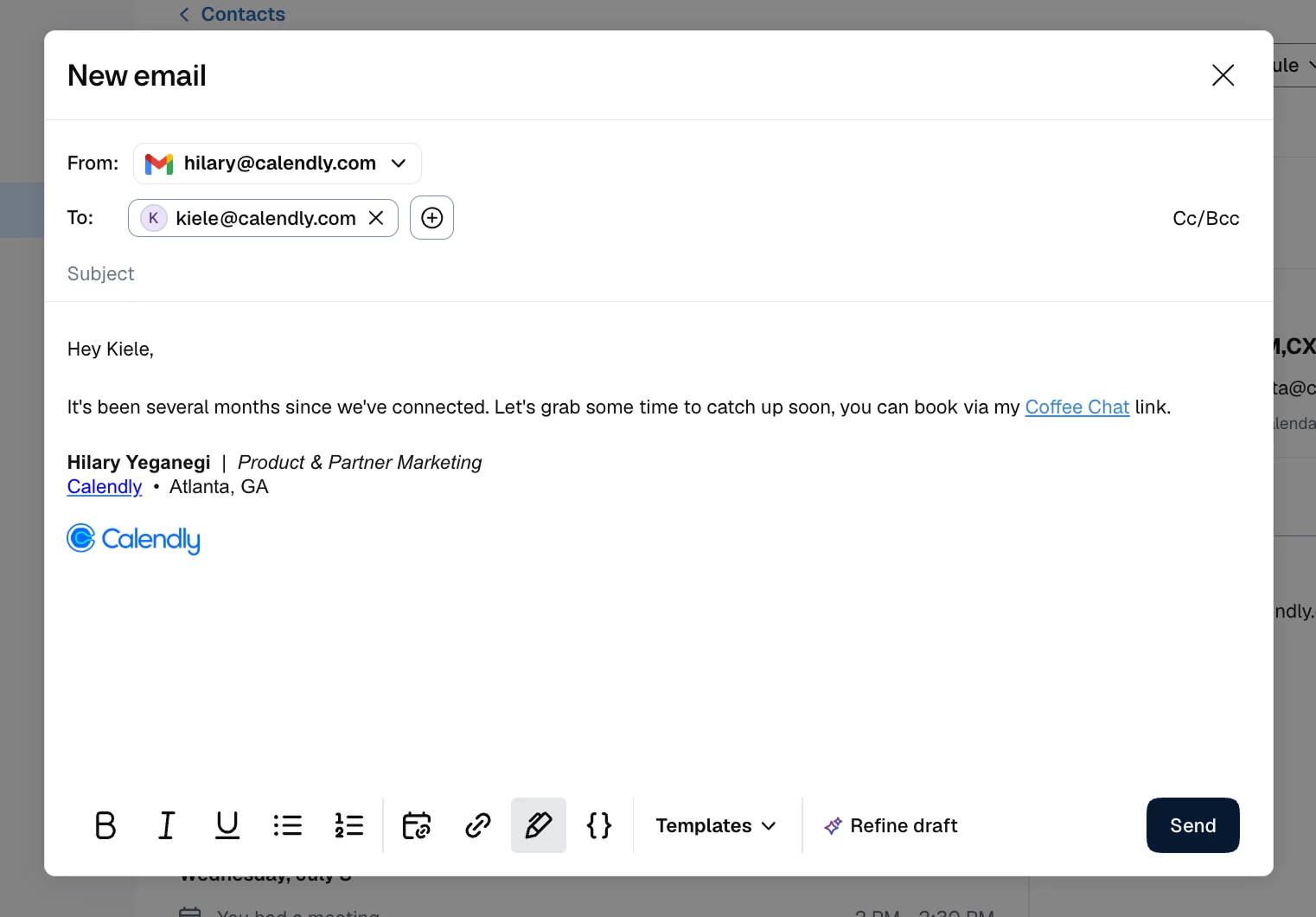
Whether you're checking in after a meeting, or reconnecting with multiple contacts, you can now:
- Email contacts directly from Calendly (using Gmail or Outlook)
- Create and save reusable email templates
- Send personalized bulk emails using variables (Gmail only)
- Include scheduling links and your Gmail signature in just a few clicks
Keep conversations in one place
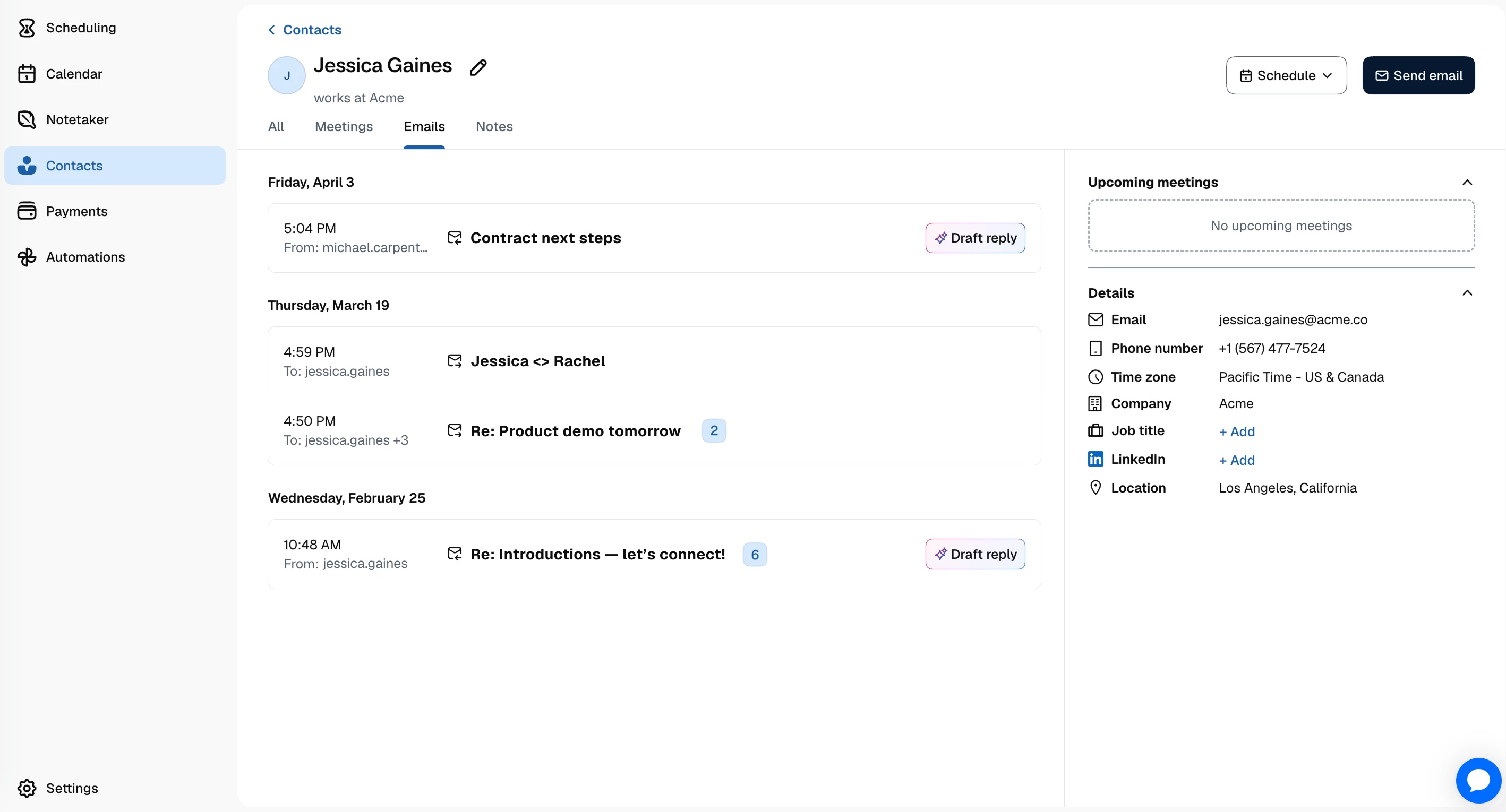
By connecting your Gmail account, you can keep your meeting history and email conversations together, so it's easier to pick up where you left off.
- View synced Gmail conversations directly from a contact profile
- Reply to existing email threads without leaving Calendly
More info on syncing with Gmail
Draft more relevant emails with AI (Gmail Only)
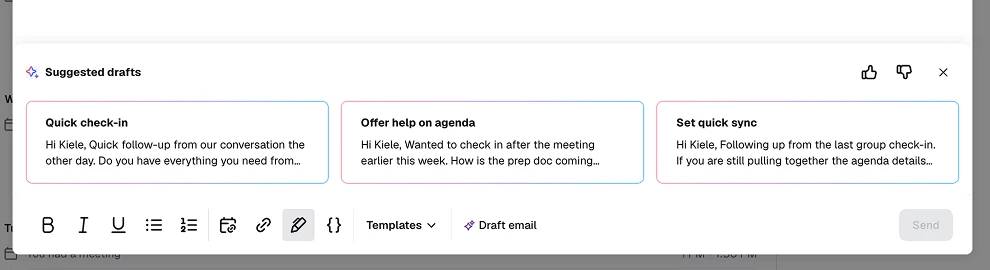
Because AI has access to your meeting and conversation context, it can help you create more relevant outreach and follow-ups, without starting from a blank page.
- Generate AI-powered email drafts
- Create reusable email templates with AI
We're excited to make communication an easier part of the Contacts experience, and this is just the beginning.
We'd love to hear what you think. Which feature has been the biggest time-saver so far? What would you like to see next?